
Modern parents juggle homework deadlines, reheated dinners, and the nagging fear that glowing rectangles might be melting their children’s brains. But when kids swap binge-watching for activities like drawing and colouring, screens can shift from distraction to a source of creativity.
Especially when families co-create (say, designing a birthday card together), screens stop isolating and start connecting. Here are three apps worth trying out.
3 Free Digital Art Games Apps
1. Aqua by Adobe
Designed by parents at Adobe, the Aqua by Adobe iOS app invites children to scan their hand-drawn doodles, remix them with digital brushes and other drawing tools, and show them off in a private museum. It’s bright, goofy, and completely free.
- Capture Cove turns paper sketches into editable digital art in seconds.
- Pass-and-Play mini-games teach art fundamentals through playful activities.
- Short lessons walk kids through basic art skills.
- Parents control sharing settings so their kids’ privacy is always protected
2. Coloring Games: Color & Print
For younger children, simplicity matters. The Coloring Games Android app turns a phone or tablet into a virtual colouring book that even toddlers can navigate independently. Built specifically for early learners, the app offers multiple creative modes – from free drawing and doodling to paint-by-numbers and glow-pen art – without overwhelming instructions.
- Multiple creative modes, including free drawing, color-by-numbers, and glow art
- Simple, toddler-friendly interface with no reading required
- Child profiles and customizable settings for parents
- Designed by parents with early childhood safety in mind
3. Color Page ASMR
If your child loves the soothing rhythm of colouring but sometimes feels overwhelmed by a blank page, the Color Page ASMR app offers a middle ground. Think of it as a digital colouring book that guides kids step by step. Kids can follow the suggested colour palette or ignore it entirely and experiment freely – green flamingos welcome!
- Hundreds of line-art illustrations across familiar, child-friendly themes
- Step-by-step draw-then-colour format that builds basic art skills
- Clean visuals and smooth mechanics designed to feel calming, not stimulating
- Encourages transfer to offline art by using images as drawing templates
Setting Healthy Boundaries Around Creative Apps
Creative apps aren’t a licence for unlimited screen time. Here are some ideas for setting healthy boundaries:
- Start together. Sit beside your child for the first 5-10 minutes. Ask what they’re making, suggest an idea, or create something alongside them. Co-creation turns screen time into connection.
- Use short sessions. Try 20-30 minute creative bursts, followed by a clear transition to offline play.
- Create a natural endpoint. Encourage finishing one picture before stopping. Completion feels satisfying and reduces resistance when it’s time to log off.
- Balance with hands-on materials. After tablet time, offer crayons, clay, or watercolours. This helps kids transfer ideas from screen to real-world making.
Important Caveats
Even the most wholesome creative apps benefit from thoughtful timing and context. A few extra considerations can make screen use calmer, safer, and more supportive of children’s wellbeing.
- Avoid screens right before bed. Bright light and mental stimulation can interfere with melatonin production and delay sleep. Try ending screen time at least an hour before bedtime (especially on school nights).
- Watch the “calm vs wired” effect. Not all creativity is equally soothing. If an app leaves your child overstimulated, it may be better suited for earlier in the day.
- Mind eye strain and posture. Encourage breaks, good lighting, and relaxed posture. A quick stretch or eye break every 20 minutes helps prevent fatigue.
- Check audio levels. Headphones can amplify stimulation and reduce awareness of surroundings. When possible, keep sound low or use speakers in shared spaces.
- Model healthy habits. Children notice when adults set their own screen boundaries. Putting your phone down during creative time reinforces the message more than rules alone.
- Revisit boundaries as kids grow. What works for a four-year-old won’t suit a ten-year-old. Review app choices, time limits, and routines regularly.
Summary
Screens aren’t going anywhere. But how children use them makes all the difference. When screen time shifts from passive watching to active making, tablets and phones can become tools for creativity, connection, and confidence.
Shared moments, short sessions, and a healthy balance with offline art help ensure screens enhance childhood.
Used intentionally, creative screen time doesn’t replace crayons, it simply adds another colour to the palette. And in a busy modern household, that can be a small but meaningful win for both kids and parents.
Helpful Tools
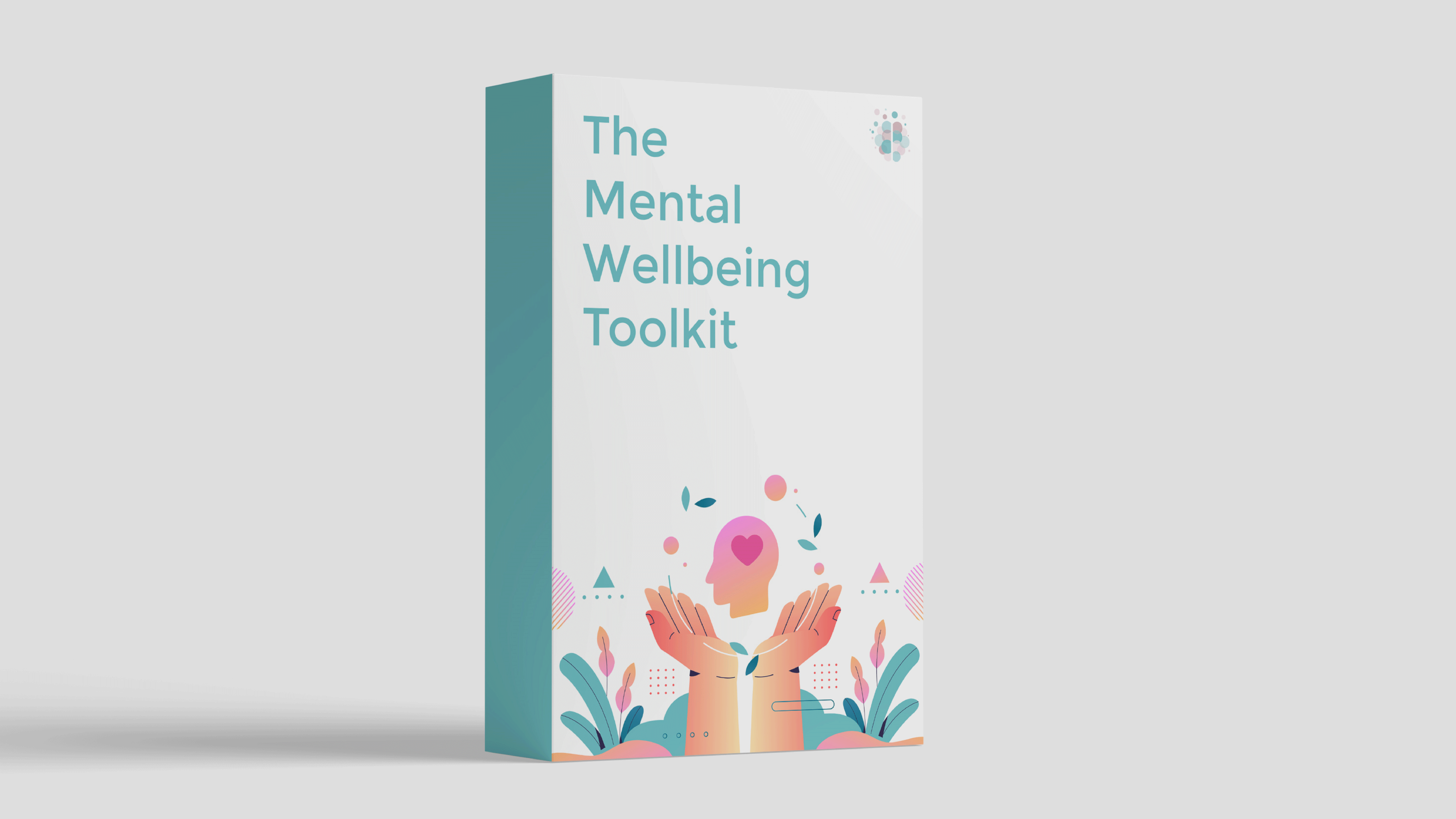
Our self-guided program includes tools from CBT, DBT, ACT and more, so you can discover what works best for you. Check out The Mental Wellbeing Toolkit today – it's "like 10 therapy sessions in one."



About Rebecca
Rebecca Marks is the founder of The Wellness Society, a social enterprise that has supported thousands on their journey to mental wellbeing.
Her tools have been shared by the NHS and featured by Mind, the UK’s leading mental health charity. She comes from a career in mental health charity management, facilitating peer support programs and co-producing initiatives with service users.
Learn more about our story on the About page.