
Digital wellness programs are becoming a common way to help people build healthier daily routines. From guided stretching and yoga to breathing exercises and short mobility sessions, wellness apps can make these practices available almost anywhere. But accessibility alone doesn’t guarantee that people will follow a program consistently.
One of the biggest challenges is turning a wellness recommendation into a series of actions that feels simple enough to repeat. Written instructions can explain what users should do, but they may leave important questions unanswered:
How should the body be positioned?
When should the movement begin?
How far should a stretch go?
Visual guidance can answer many of these questions immediately, reducing the amount of information users have to interpret on their own.
Why Visual Guidance Makes Instructions Easier to Understand
Many wellness activities are physical rather than verbal. Users need to position their bodies, coordinate movements, control their breathing, or follow a specific sequence. Explaining these actions entirely through text requires users to translate words into movement.
By integrating 3D animation for fitness and wellness programs, developers can provide highly accessible instructions that shorten this mental translation process. Instead of reading a description such as “raise your arms while keeping your shoulders relaxed,” users can see the movement performed in real time.
Arrows, highlighted body areas, motion paths, timers, and other visual cues can reinforce the most important details. This is especially helpful for beginners, who may not be familiar with exercise terminology or body positioning.
A well-designed visual sequence can show:
- The starting position
- The direction of movement
- The recommended pace
- The duration of each step
- The final position
- Common mistakes to avoid
As a result, the user does not need to remember a long set of instructions before starting. They can simply follow the next visible step.
Making Guided Movement More Accessible
Guided movement works best when users can easily understand what to do without constantly stopping to interpret instructions. This matters in activities such as stretching, yoga, mobility work, and breathing exercises, where timing and body position are part of the practice itself.
Take a simple stretching routine. A text-based program might list five stretches and describe how long to hold each position. A visual program can show the entire sequence and indicate when to move, hold, or transition.
For yoga, visual demonstrations can communicate the relationship between different body positions much more efficiently. Users can compare their posture with the model on the screen and adjust their position as they follow the sequence.
Breathing exercises can benefit from the same principle. Visual animation can represent inhalation and exhalation through expanding and contracting shapes, motion cues, or simple timing indicators. This gives users a direct visual reference instead of relying entirely on written timing instructions.
The result is a more intuitive learning experience.
Breaking Complex Programs Into Simple Steps
One reason people abandon wellness programs is that the program feels more complicated than the individual activities actually are.
A routine may contain several exercises, multiple repetitions, specific breathing patterns, and scheduled rest periods. Presenting everything at once can create unnecessary cognitive load.
Step-by-step visualization helps solve this problem by revealing only the information that is needed at a particular moment.
For example, instead of presenting a complete 15-minute mobility routine as a long list, an app can guide users through one movement at a time. The steps can be the following:
- Prepare
- Move
- Hold
- Return
- Transition
The user doesn’t need to memorize the entire routine – the interface provides the next instruction when it becomes relevant.
This approach can also make programs easier to adapt for people with different levels of experience. Beginners may receive slower demonstrations and additional visual cues, while experienced users can follow a more streamlined version.
The Role of 3D Visualization
For digital wellness platforms, high-fidelity 3D animation can be particularly useful when standard visual instructions cannot clearly communicate body positioning or movement mechanics.
A 3D model can be viewed from different angles, making posture and movement easier to understand. It can also highlight specific anatomical areas, slow down a complex movement, or show how different parts of the body should move together.
For example, a 3D sequence can show how the hips, shoulders, or spine should move during a mobility exercise. It can isolate a particular body part, slow down a movement, or provide a view that would be difficult to reproduce consistently in conventional footage.
This makes 3D especially useful when the educational objective goes beyond simply copying a movement and requires a clearer understanding of positioning.
Designing Instructions Around the User's Next Action
The most effective visual guidance is not necessarily the most detailed. Its purpose is to make the next action obvious.
A good digital wellness experience should answer three questions at every stage:
What should I do?
How should I do it?
When should I move to the next step?
When these questions are answered visually, users have fewer opportunities to become confused. The program becomes easier to follow even when the user is exercising at home, taking a short break at work, or practicing a routine without a trainer present.
That clarity is particularly important for daily practices. A person may be willing to spend five minutes on stretching or breathing, but they are less likely to do it regularly if every session feels like a new learning task.
Summary
Digital wellness is most effective when healthy behaviors feel manageable rather than complicated. Clear visual instruction can help achieve that by transforming written recommendations into guided, sequential actions.
Whether the activity is stretching, yoga, breathing, mobility training, or another everyday practice, visualization can clarify body position, movement, timing, and progression. Step-by-step guidance reduces the amount users need to remember, while consistent visual cues make repeated sessions easier to navigate.
For wellness platforms, this means visual content is more than a design feature. It can become part of the instructional structure itself.
When users can immediately see what to do, follow one step at a time, and repeat the same process without unnecessary effort, a wellness program becomes easier to understand – and much easier to turn into a lasting habit.
Helpful Tools
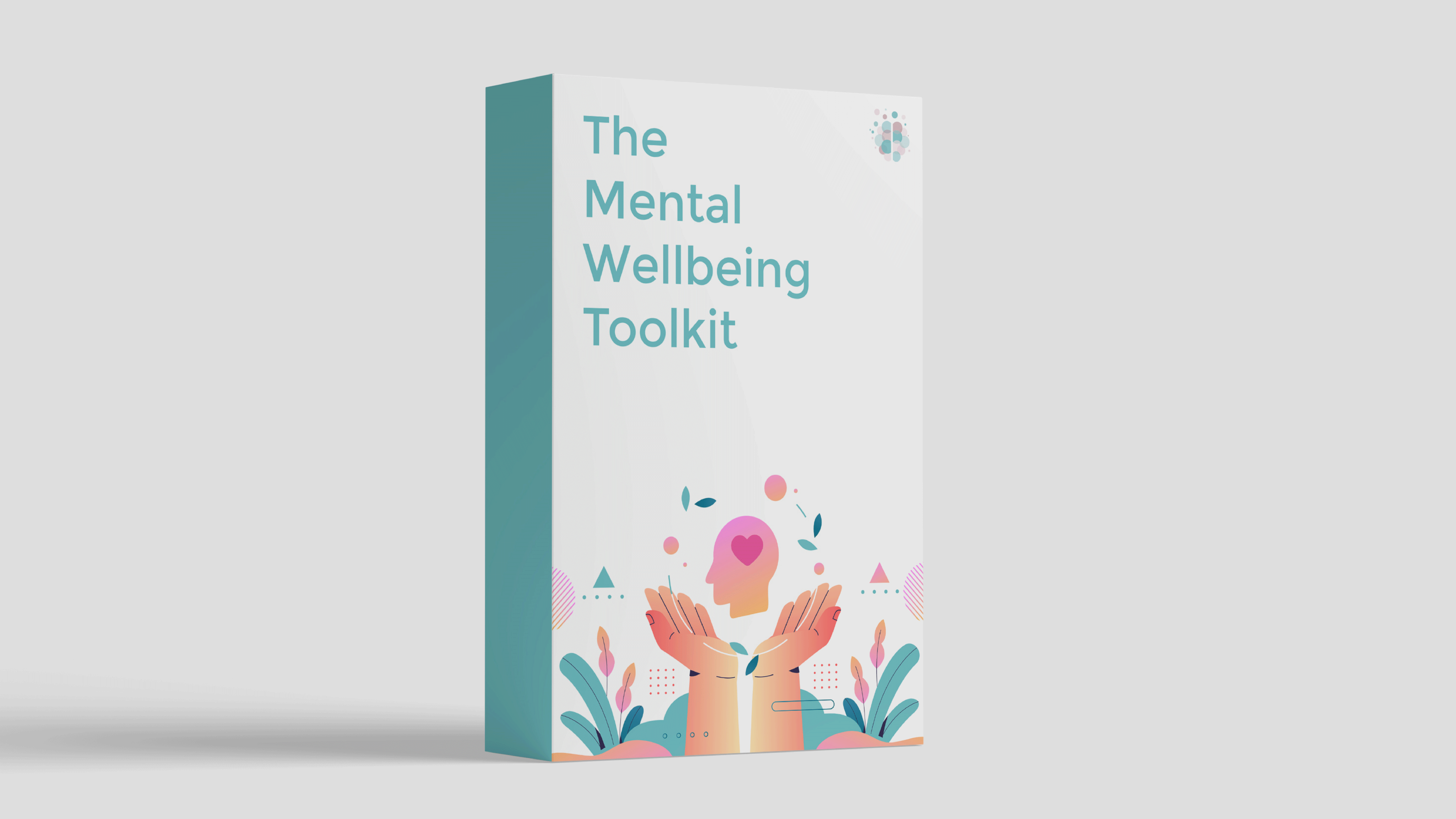
Our self-guided program includes tools from CBT, DBT, ACT and more, so you can discover what works best for you. Check out The Mental Wellbeing Toolkit today – it's "like 10 therapy sessions in one."


Author

About Rebecca
Rebecca Marks is the founder of The Wellness Society, a social enterprise that has supported thousands on their journey to mental wellbeing.
Her tools have been shared by the NHS and featured by Mind, the UK’s leading mental health charity. She comes from a career in mental health charity management, facilitating peer support programs and co-producing initiatives with service users.
Learn more about our story on the About page.